
arl Berthing Planner
Adjust ETA. Extend ETD. Drag-and-drop visual planning of berth space in time. Save as PDF for website publish or external stakeholder sharing. Add new port call from UI or import Excel/CSV from external source. Simple. Easy. In-expensive. Start in 24hours. Unlimited cloud logins with role.
Screenshots
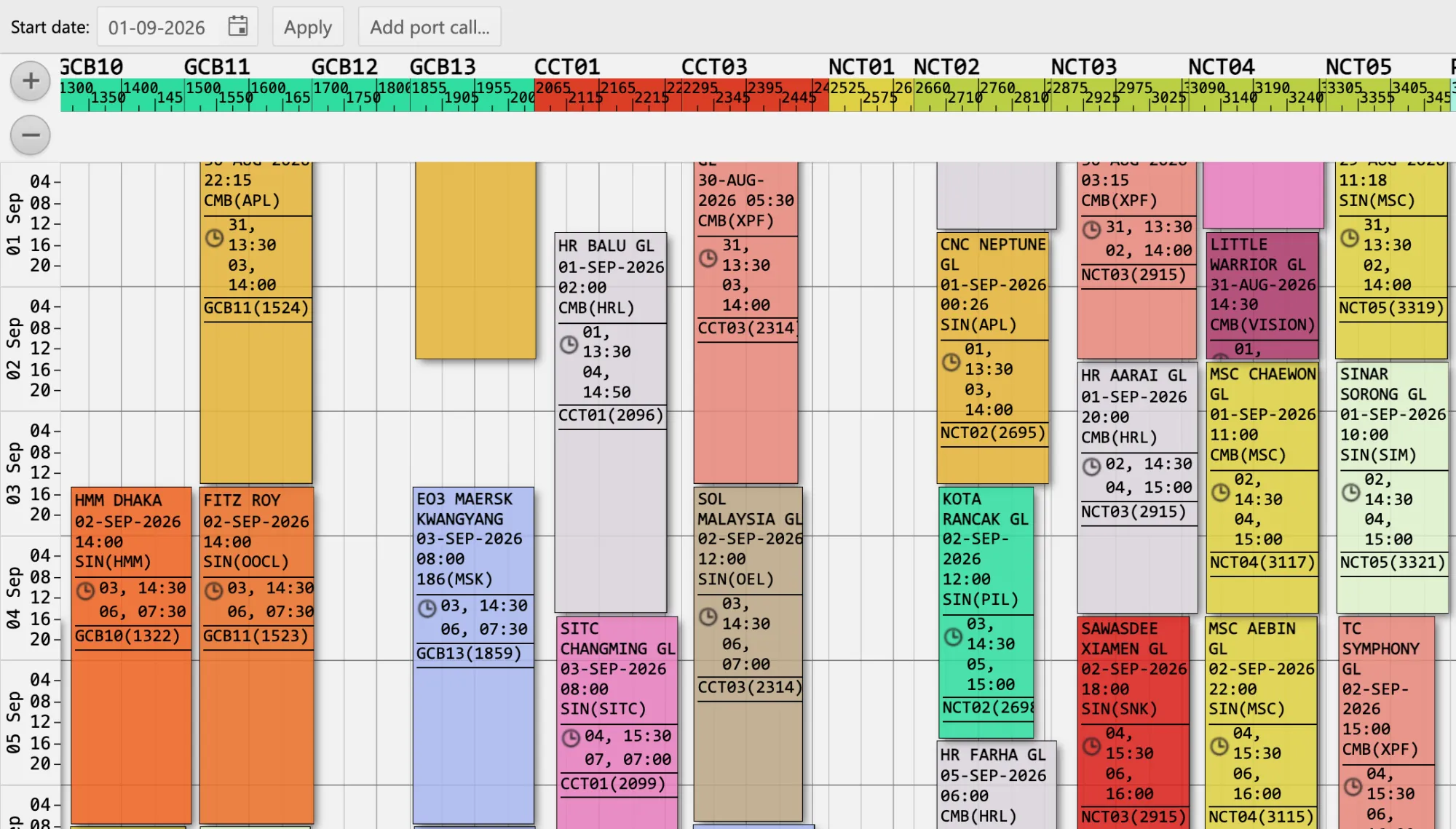
Port calls on berths-time map
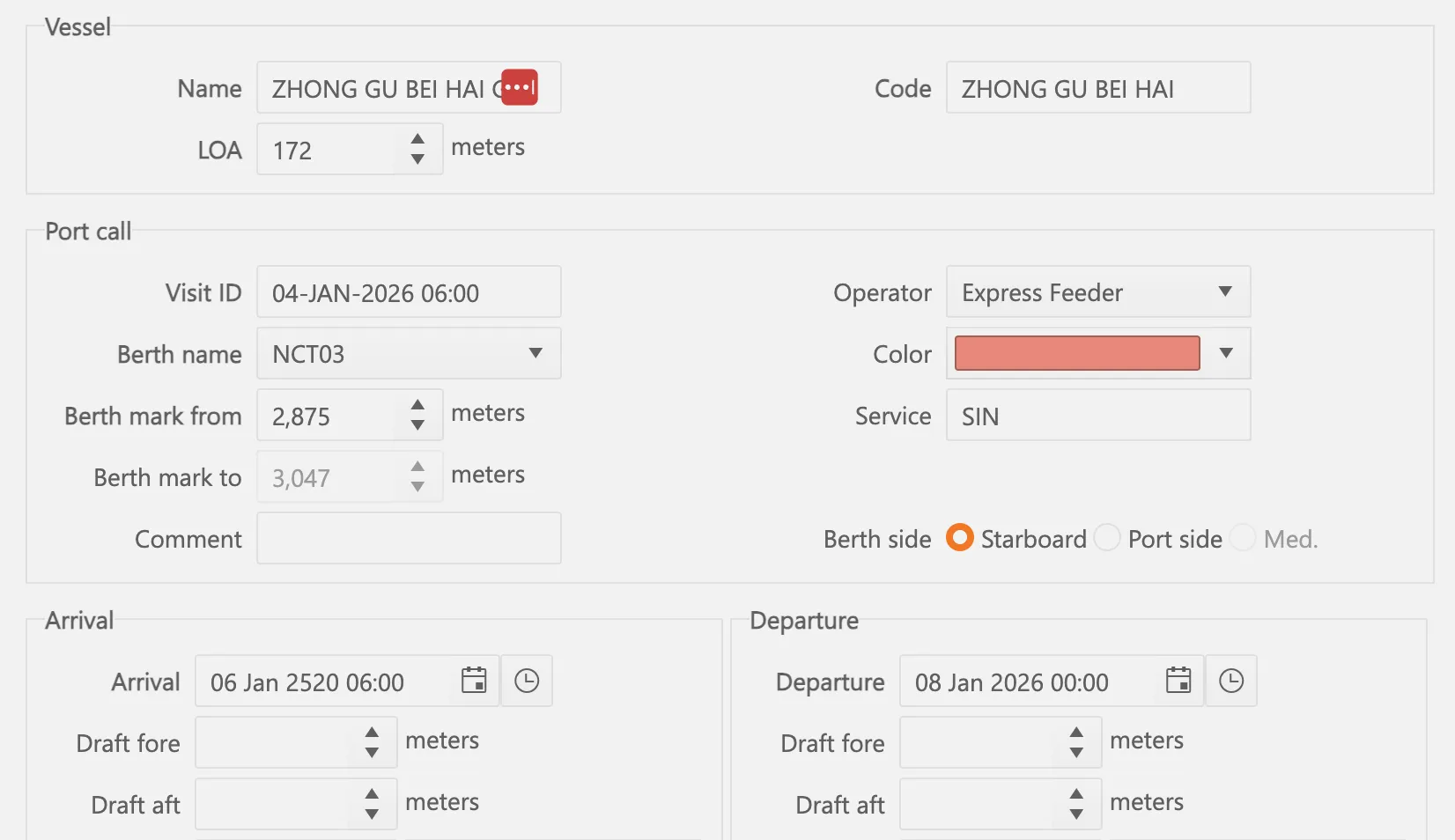
Port call data
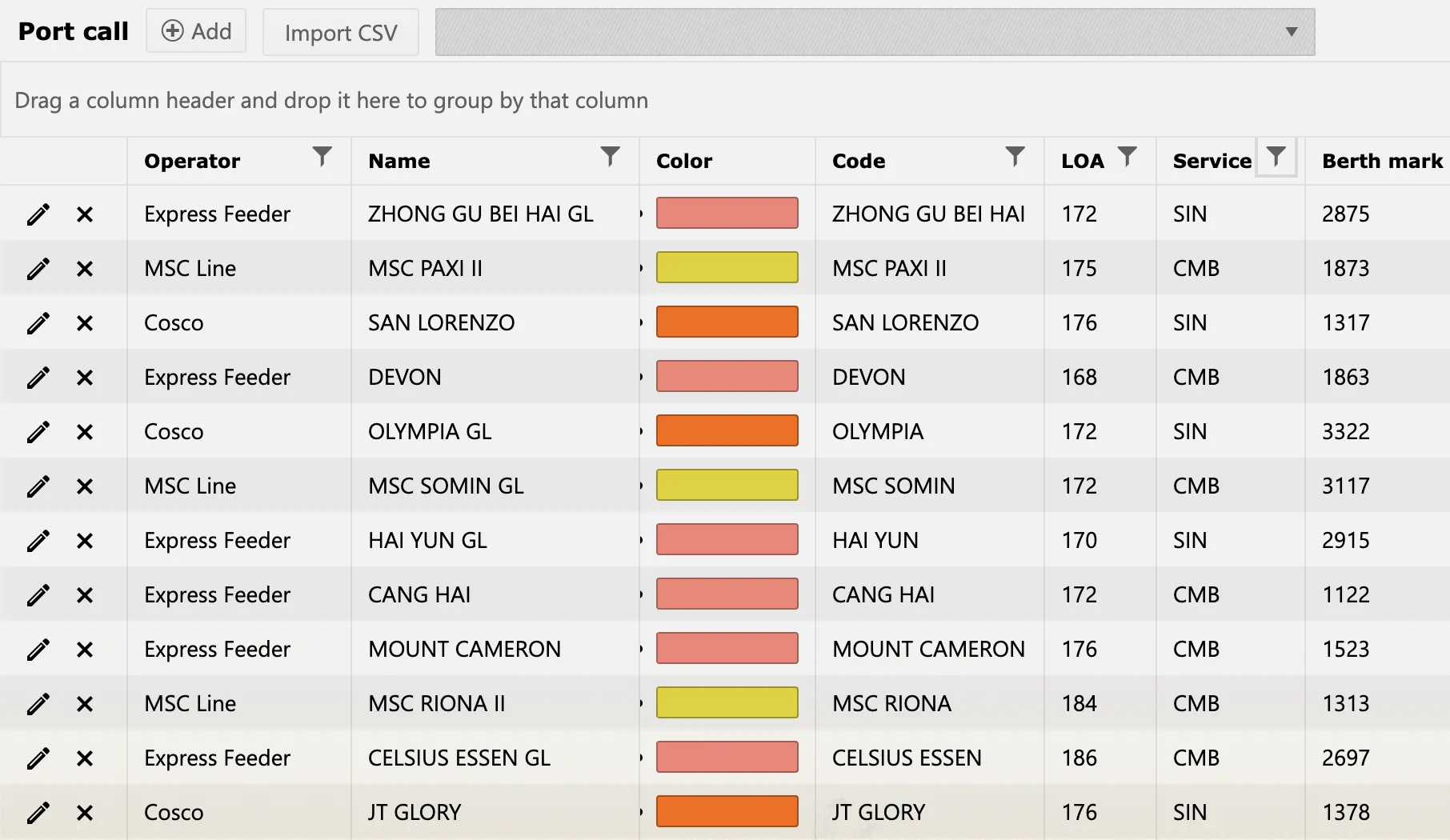
Port call list
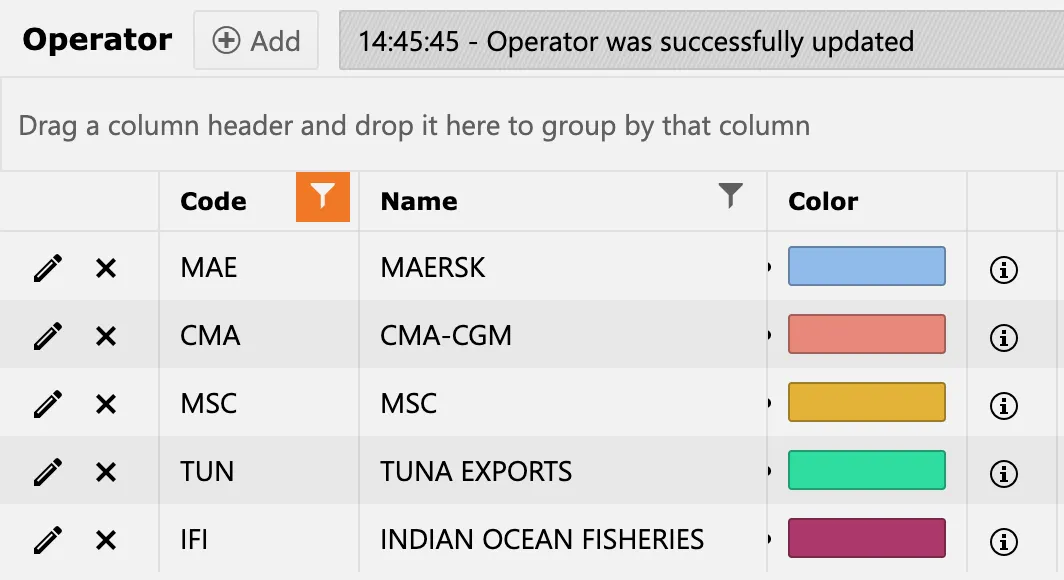
Vessel operators
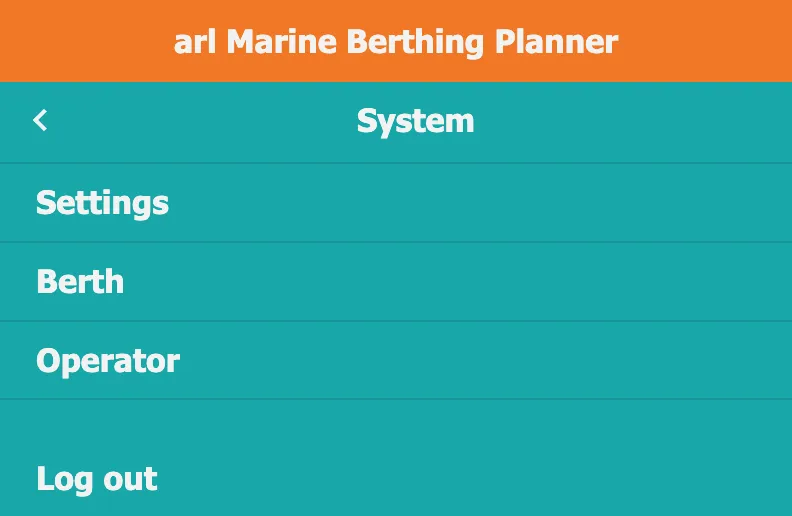
Cloud menu
FAQ
Hot topics
When can I start?
Once you sign-up and settle first invoice you can start right away. Sign up today, start tomorrow. Seriously!
How many logins can i add?
As many as you need, no real limits.
Who has access to my data?
All your data belongs to you and is not accessed by any other party. Reports and extracts are shared only with stakeholders you select.
All cloud users can do same?
All cloud users are assigned a role by your own admin or arl-support, f.ex. "user", "supervisor", "configurator" or "reader"
Signing up
Do I pay for support?
Email and WhatsApp chat support is included in the fees. Regular upgrade of features is also included. Fine to ask questions in other languages; you will receive reply in English.
What are the software license fees?
Nil, no license fees. You only pay a usage fee depending on number of business transactions.
Any additional software or hosting costs?
No server or software is required. The cloud is running on a pre-hosted multi-tenant server with a world-class cloud hosting provider. No additional costs.
Can I request improvements or customizations?
Your ideas for improvements are welcome! We will assess, if the ideas are relevant for other users, and can be implemented in future versions.
For how long do I have to commit?
You settle costs 3 months ahead at all times, and you can cancel anytime. When prepaid payments expire access to the app is removed.
Technical & Integration
For how long is data available in the cloud?
All cloud data is kept for 3 months.
Can I export my data?
You can extract data manually in Excel CSV format or export automatically in HTML, PDF, CSV, XML, and other text formats to email, (s)FTP or Google Drive folders monthly, weekly or daily.
Which browsers are supported?
Cloud apps run in all modern desktop, tablet, and mobile browsers including MS Edge, Firefox, Chrome, browsers based on Chrome engine (Opera, Yandex, Vivaldi, Brave, etc), and Safari.
API to finance system?
Operational app data can be pushed as a CSV feed to your finance platform, either ongoing transfers or at fixed intervals, hourly, daily, weekly.